01 / On the workbench
Same product.
Three useful stages.
Original photo → transparent cutout → larger transparent image. Inspect the actual files from the local workers.
Ceramic mug
2× pipeline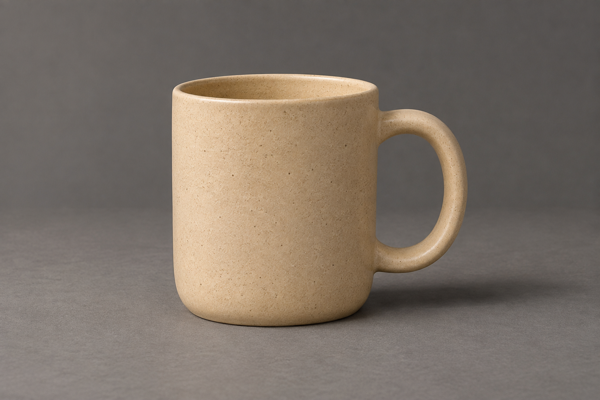
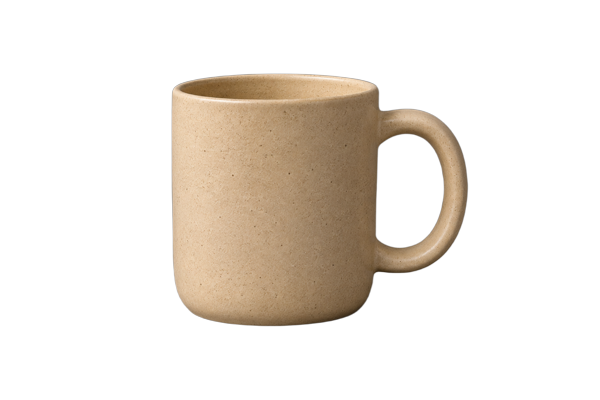
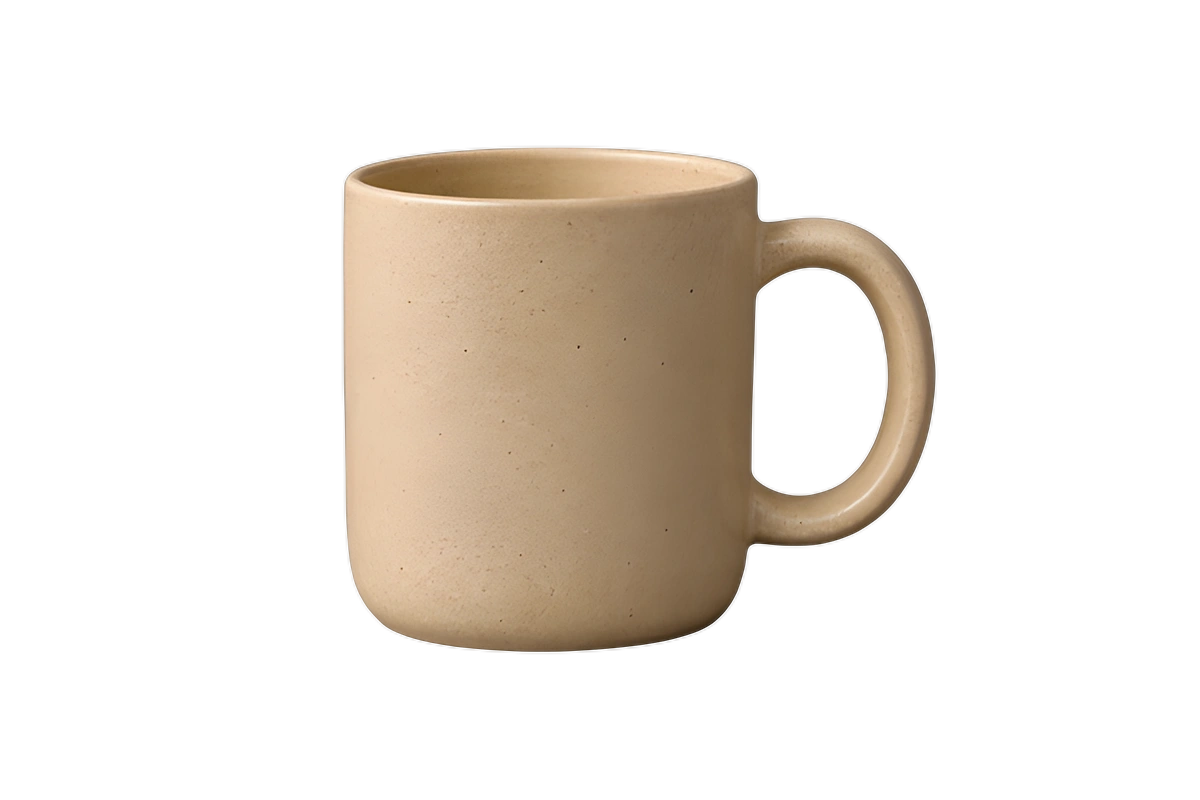
A rounded handle and speckled ceramic surface show where the mask and fine texture need review.
AI-generated input. Real worker outputs. BiRefNet general → Real-ESRGAN x4plus, run locally on CPU. These files are cached; viewing them starts no jobs.
The handle opening is transparent in both outputs. Upscaling smooths the original speckles and can leave edge halos. Inspect against light and dark backgrounds before publishing. The generated source is an illustrative product photo, not evidence of performance across real customer catalogs.
Amber pump bottle
2× pipeline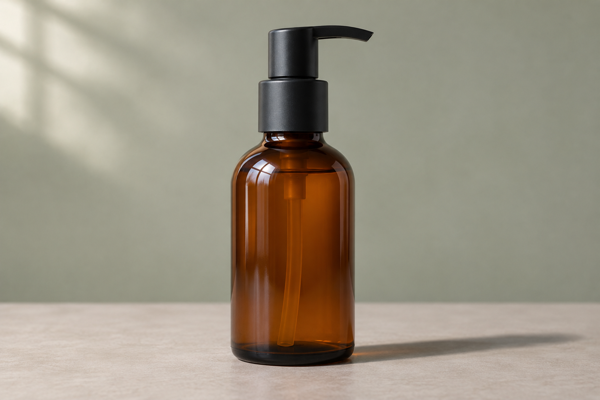
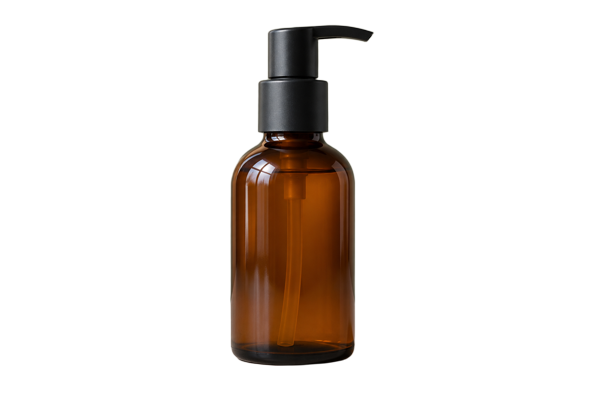
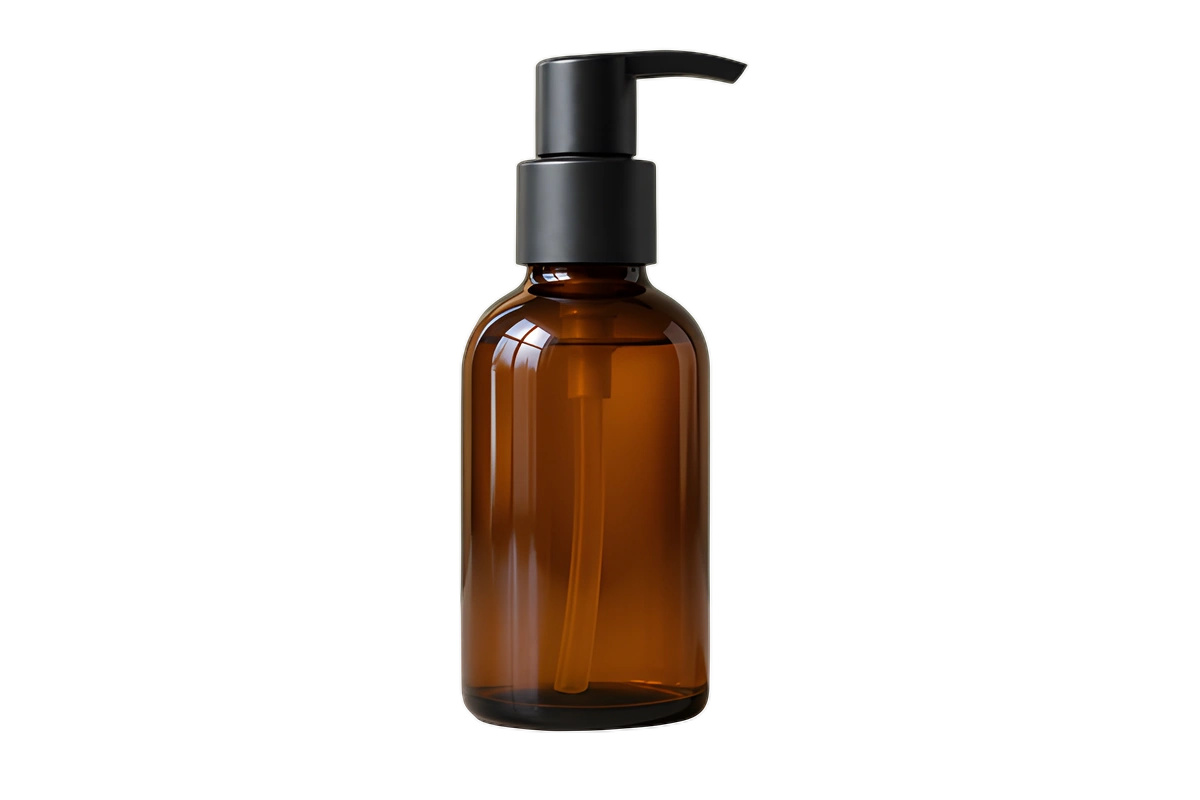
Reflective glass and a narrow pump outline make useful edge and transparency checks.
AI-generated input. Real worker outputs. BiRefNet general → Real-ESRGAN x4plus, run locally on CPU. These files are cached; viewing them starts no jobs.
The model isolates the bottle outline; it does not reconstruct physically accurate transparent glass. Source-colored reflections remain in the bottle, and halos can appear around the pump after upscaling. Review on the intended background. The generated source is an illustrative product photo, not a real skincare brand or customer photograph.
A small product photo can become a larger transparent asset in two stages: BiRefNet separates the subject, and Real-ESRGAN enlarges the cutout. The useful part is the handoff: the second model needs a newly uploaded file ID, not the first model’s download URL.
Inspect the same product at each stage.
The gallery above contains original AI-generated product-photo inputs and actual outputs from the local model workers. The cutouts and upscales were produced by the models, with no manual retouching. Download each stage to check edges and detail at full resolution.
These examples demonstrate a ceramic mug and an amber bottle. They do not establish quality for an entire catalog. Inspect handles, glass, labels, reflected light, and fine edges on your own images before applying the workflow to a full collection.
Two models mean two submissions.
- Upload the original photo through
POST /v1/filesand its signed PUT link. - Dry-run a BiRefNet batch with
output: "cutout", review the hold, and submit it with an idempotency key. - Wait until
settled_atis set. Download the successful item’s output using its signed URL. - Upload that cutout as a new file. Supply its actual byte length and
image/pngcontent type. - Dry-run and submit a Real-ESRGAN batch referencing the new file ID. Choose
scale: 2or4, and PNG or WebP to keep transparency. - Wait for the second batch to settle and download its output.
{
  "model": "birefnet",
  "items": [
    {
      "file": "ORIGINAL_FILE_ID",
      "params": {
        "output": "cutout"
      },
      "max_units": 1
    }
  ]
}{
"model": "real-esrgan",
"items": [
{
"file": "UPLOADED_CUTOUT_FILE_ID",
"params": {
"scale": 2,
"output_format": "webp"
},
"max_units": 1
}
]
}Download the complete runner.
The example setup page includes a downloadable Python runner. Its default plan runs locally without an API key or network request. Adding --run submits both paid stages after dry-run checks. Use a beta key from your own account; do not paste it into the webpage.
# Download cutout-upscale.py from the setup page.
# Inspect the local plan. No network call or API key is needed.
python3 cutout-upscale.py product.png --scale 2

# Set YPAD_KEY in your terminal, then explicitly run both stages.
python3 cutout-upscale.py product.png --scale 2 --run --max-charge-usd 0.0150
The runner saves progress so the same operation can resume with the same submission bodies and idempotency keys. Keep that state with your output files. Use a fresh output directory for different work, and review the setup page before running it.
Count both stages in the budget.
Provisional fares. These are the published limited beta fares. Check the fare table before submitting work.
For inputs at 1 MP or under, one successful photo sent through two separate batches costs $0.015 at list fare: $0.0075 minimum per submission, twice. A lone job here costs more than on Replicate.
| Successful photos, each at 1 MP or under | BiRefNet batch | Real-ESRGAN batch | Combined list total |
|---|---|---|---|
| 1 photo | $0.0075$0.0075 minimum per submission. | $0.0075$0.0075 minimum per submission. | $0.015$0.0075 minimum per submission. |
| 20 photos | $0.01$0.0075 minimum per submission. | $0.02$0.0075 minimum per submission. | $0.03$0.0075 minimum per submission. |
| 1,000 photos | $0.50$0.0075 minimum per submission. | $1.00$0.0075 minimum per submission. | $1.50$0.0075 minimum per submission. |
The combined total includes two submission minimums, one for each model. The batch rows assume all successful cutouts are grouped into one second-stage batch. The downloadable runner processes one photo per invocation; running it 1,000 times does not give the two-batch price. For a catalog, collect successful cutouts and batch that second stage together.
Keep the handoff inside the model limits.
BiRefNet accepts up to 4 MP, while Real-ESRGAN accepts up to 2 MP. Start at or below the smaller limit when you want both stages. Cutouts retain the image dimensions; removing the background does not shrink the pixel count.
Measure each stage’s input, then set max_units with a one-unit minimum and a bound large enough for that file. A larger image bills pro rata. A 2× upscale doubles each side and produces four times the pixels; 4× produces sixteen times the pixels. The upscale is the final stage, so its larger dimensions do not pass through another input check in this recipe.
Expect a cold start of 10 to 30 s, occasionally minutes. This is a queue: check the batch state instead of assuming a fixed completion time.
Each model may need its own cold start. Keep original files and review the final output for changed text or invented texture. Download your own copies: Deletion starts at 7 days and normally finishes within a further day.
Have a batch in mind?
Estimate its cost ↗