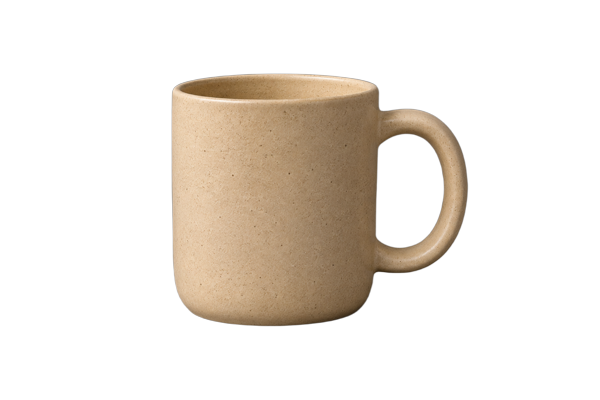
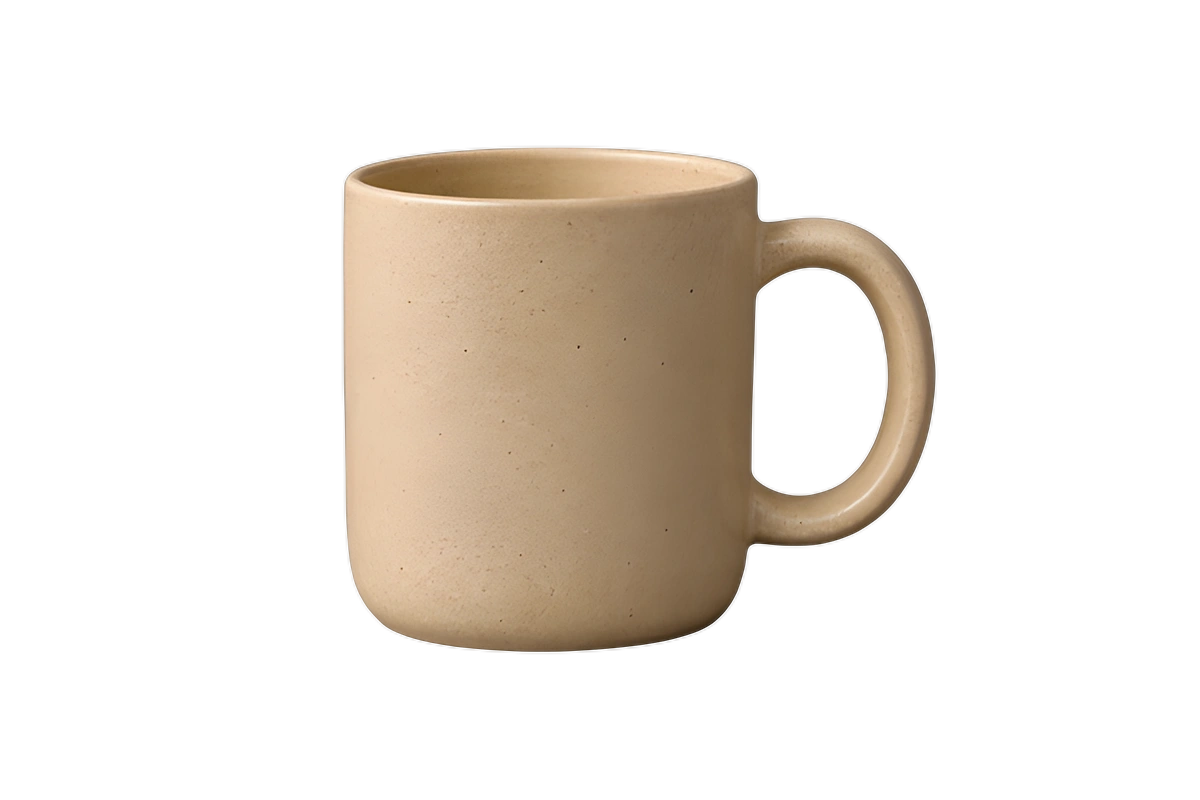
A product photo can be useful in more than one setting. Qwen-Image-Edit takes the uploaded image and an instruction: change the background, adjust a visual element, or explore another presentation without starting from a text-only image request.
Start with a reference you can inspect.
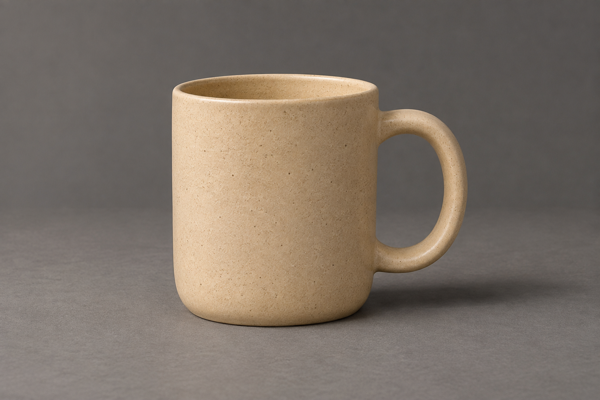
The photo makes the task concrete: keep the mug, replace the gray setting with a pale blue studio backdrop. Download the 600 × 400 input to prepare the request. The input depicts a fictional, unbranded product.
This guide shows the input, prompt, API request, and billing contract. It does not show an edited result or claim a quality or speed benchmark. The worker implementation has tests with stand-in models; the real model has not yet completed the project’s GPU benchmark.
Describe the change and the details to preserve.
A useful instruction names both the intended change and the parts you want kept. For this example, the target is the setting; the reference details are the handle shape, surface texture, camera view, and framing.
Replace the tabletop and backdrop with a matte pale blue studio setting. Keep the ceramic mug, handle shape, speckles, viewpoint, and framing unchanged. Use soft light and a restrained contact shadow. Add no text or props.The prompt can contain up to 800 characters after trimming. Use one clear task before trying several changes together. A request to preserve a detail is an instruction, not a guarantee: the model may still alter shape, texture, lighting, or text. Compare the result against the original before using it in a product listing.
Choose output_format from png, jpeg, or webp. An optional integer seed accepts 0 through 4,294,967,295; leaving it out chooses a random seed. Saving the prompt, seed, and input gives you a record of the settings used, without promising identical results across future model or runtime changes.
Upload the photo, preview the hold, then submit.
Use the first-run upload steps to declare the exact byte count and content type, PUT the bytes to the signed link, and keep the returned file ID. The batch uses that uploaded ID rather than a public image URL.
The input accepts PNG, JPEG, or WebP up to 25 MP and 25 MiB. The worker reduces larger inputs for a result around 1 MP. Billing is one unit per edited image, regardless of input dimensions: set max_units to 1, rather than the input’s megapixel count.
{
  "model": "qwen-image-edit",
  "items": [
    {
      "file": "YOUR_UPLOADED_FILE_ID",
      "params": {
        "prompt": "Replace the tabletop and backdrop with a matte pale blue studio setting. Keep the ceramic mug, handle shape, speckles, viewpoint, and framing unchanged. Use soft light and a restrained contact shadow. Add no text or props.",
        "output_format": "png",
        "seed": 42
      },
      "max_units": 1
    }
  ]
}# Set YPAD_KEY to your API key. Save the JSON above as batch.json.
# This preview checks the uploaded file and hold without creating a batch.
curl --fail-with-body "https://www.y-pad.com/v1/batches" \
-H "Authorization: Bearer $YPAD_KEY" \
-H "Content-Type: application/json" \
--data "$(jq '. + {dry_run: true}' batch.json)"
# Review held_micros and missing, then explicitly submit paid work.
# Keep this key and body unchanged when retrying this submission.
curl --fail-with-body "https://www.y-pad.com/v1/batches" \
-H "Authorization: Bearer $YPAD_KEY" \
-H "Content-Type: application/json" \
-H "Idempotency-Key: product-backdrop-001" \
--data @batch.jsonThe shell example uses jq. Add one item for each uploaded photo, up to 2,000 items in a batch. Give a different submission its own idempotency key. An API dry run checks the request and hold; it does not run the edit or establish that the eventual result will pass every content check.
Budget by finished images.
Provisional fares. These are the current catalog fares. Check the fare table before submitting work.
The list fare is $0.0120 per successful edited image, with a $0.0075 minimum per submission. One image already costs more than the submission minimum, so grouping these edits into a batch does not lower their list total. List and launch fares are currently equal for this model.
| Successful edits | One batch, list fare |
|---|---|
| 1 image | $0.012$0.0075 minimum per submission. |
| 20 images | $0.24$0.0075 minimum per submission. |
| 1,000 images | $12.00$0.0075 minimum per submission. |
These examples assume each item finishes and stores its output. Failed or cancelled items cost nothing, and a batch where nothing succeeds costs nothing. This is a processing estimate, not a statement about delivery time. The new model’s GPU cost and latency are still to be measured.
Collect the result and review the important details.
Poll the batch until settled_at is set, then read its succeeded items one page at a time. Download each output_url with the signed-download workflow, without sending your API key to storage. Keep the source photo beside the output while you check handle geometry, edges, material, shadows, and any text.
Prompts and input photos are sent to OpenAI for moderation before the GPU edit is dispatched. The worker also checks the instruction, input, and output. A refusal can appear as the item error content_refused; that item is not billed, and a refused output is not uploaded. An accepted batch is therefore not a promise that every edit will be delivered. If moderation is unavailable, prompted work waits rather than bypassing the check.
Finished files carry an AI-edited disclosure in their metadata. Keep that disclosure when preparing the final asset, and explain generative changes where they matter to a viewer’s understanding of the product. Save your own downloads: Deletion starts at 7 days and normally finishes within a further day.
Have a batch in mind?
Estimate its cost ↗